
BHARAT101 safety app
One-tap SOS, fire reporting, and family location sharing for emergencies.
See the app
Screens from the Play Store listing; sample content. They are marketing graphics made for the store, so the names, faces, dates and headlines in them are samples, not real events.
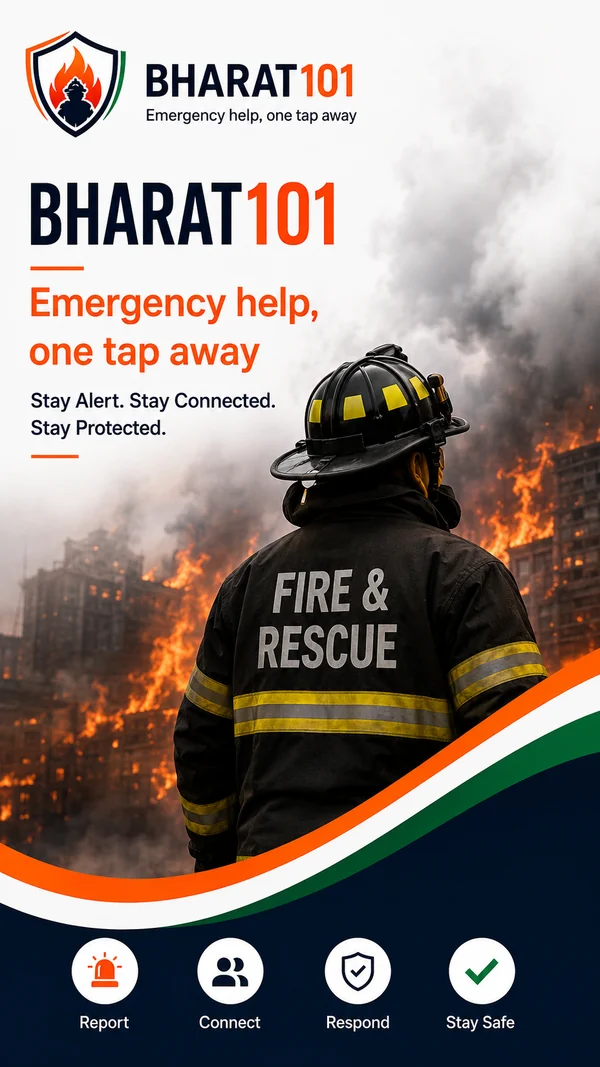
1 of 8 Emergency help, one tap away 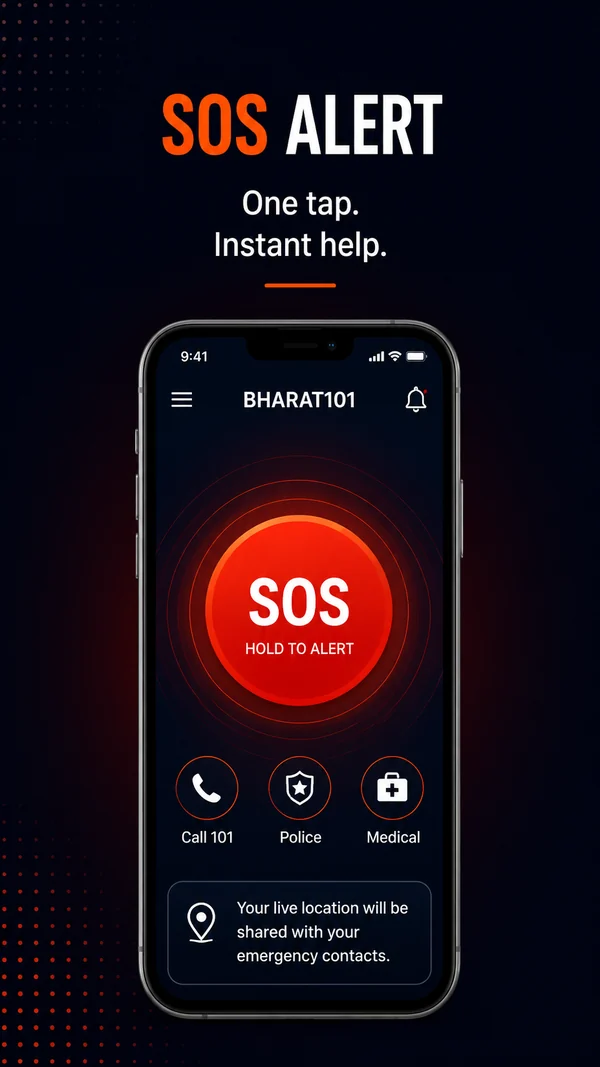
2 of 8 SOS Alert 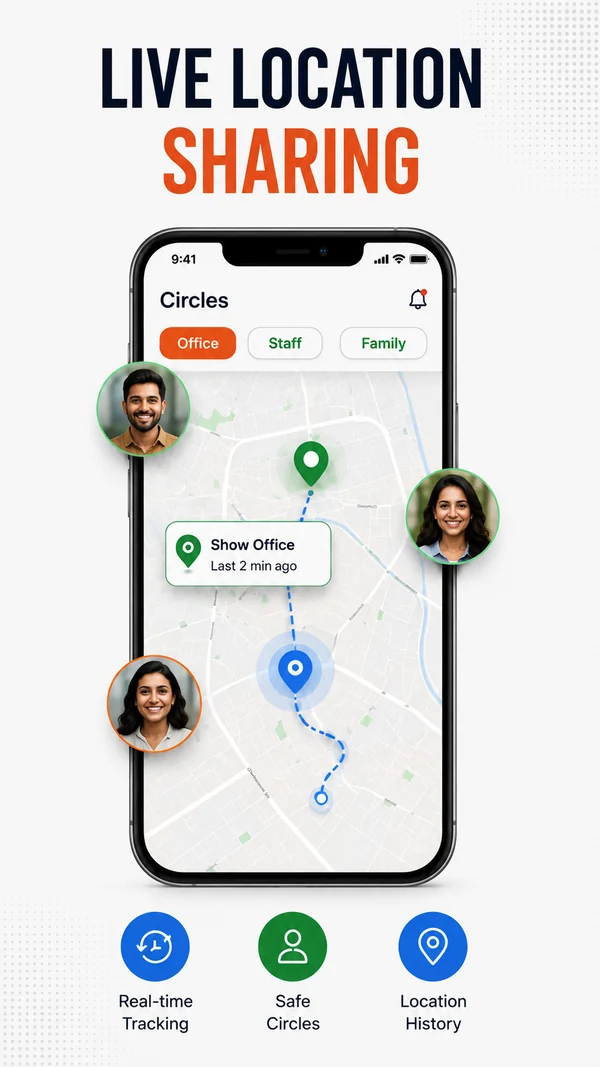
3 of 8 Live Location Sharing 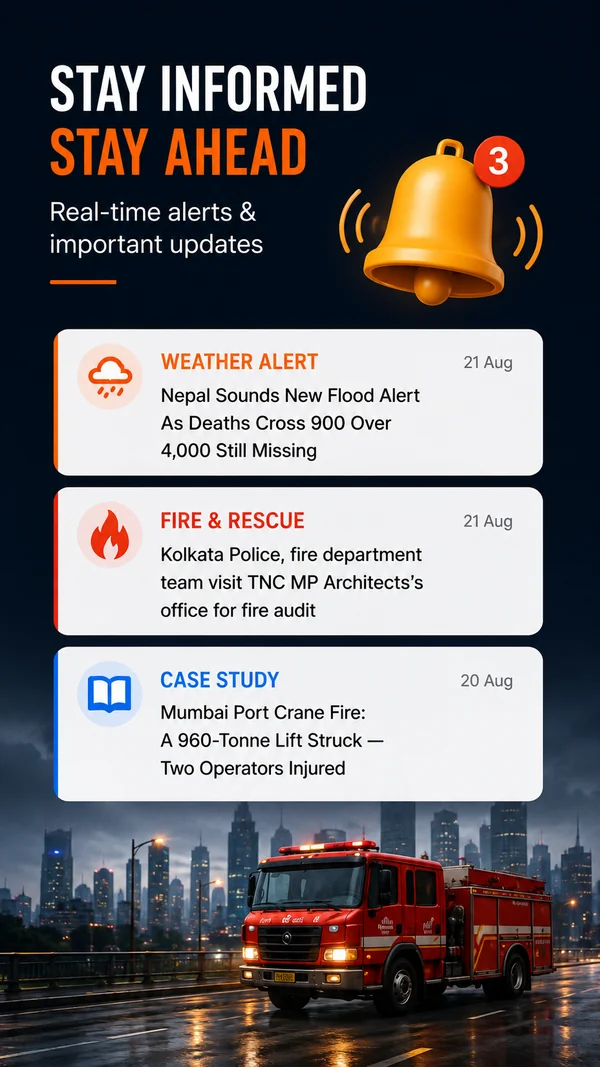
4 of 8 Stay Informed 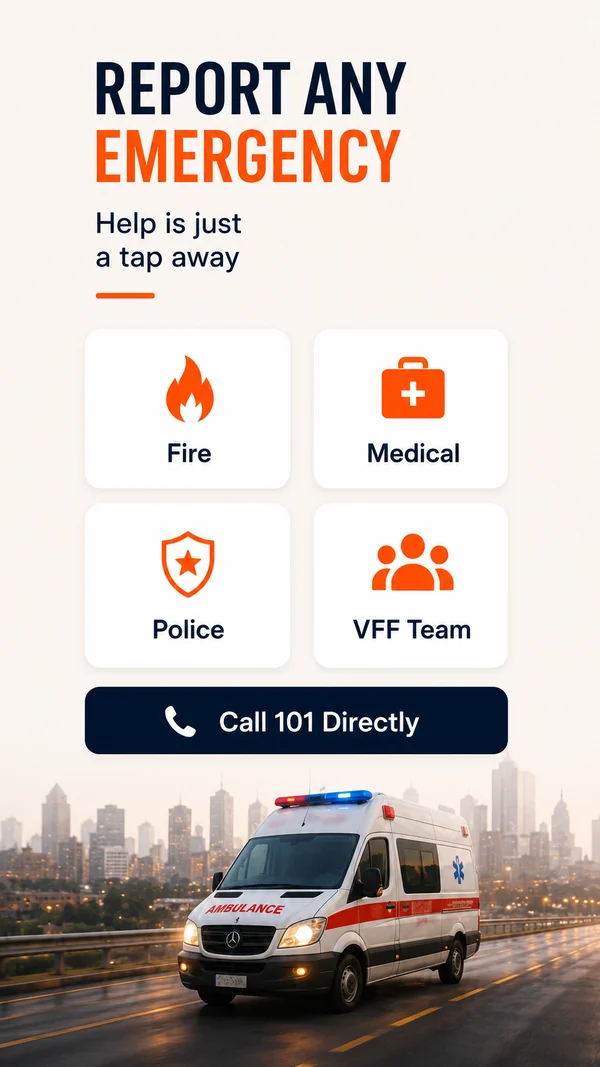
5 of 8 Report Any Emergency 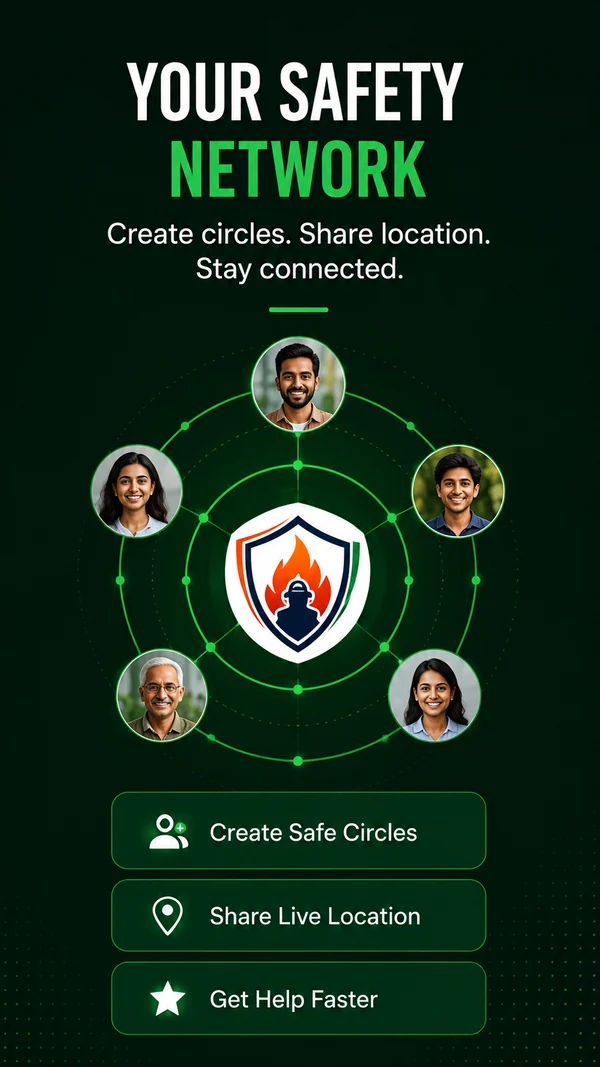
6 of 8 Your Safety Network 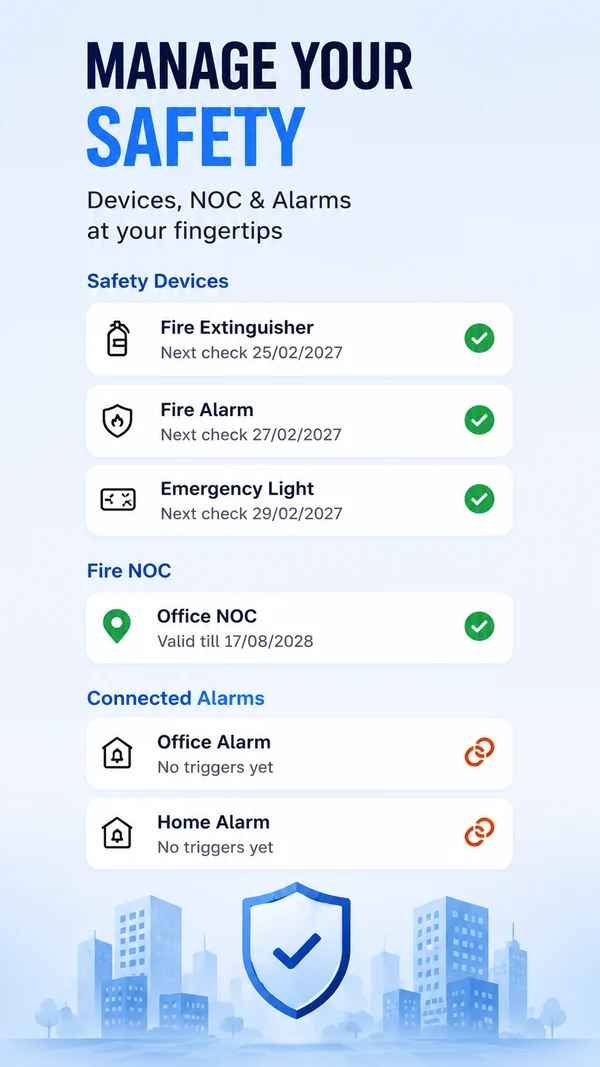
7 of 8 Manage Your Safety 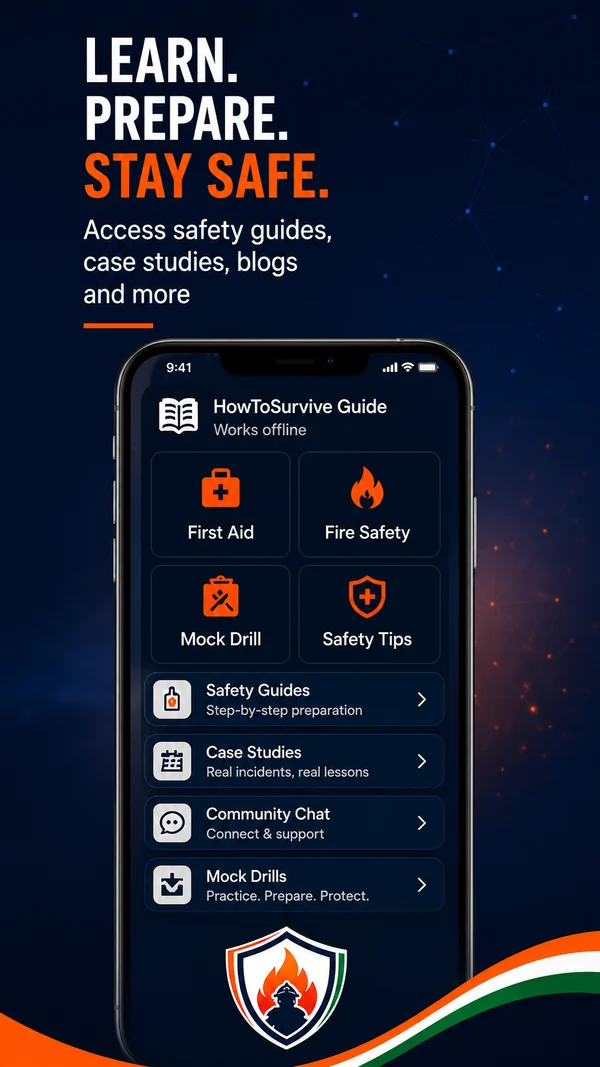
8 of 8 Learn. Prepare. Stay Safe.
What you can do
SOS in one hold
Hold the SOS button and your live location goes straight to the BHARAT101 control room and to your emergency contacts. No forms, and no typing an address in a panic.
Report an emergency
Report Fire, Medical, Police or VFF Team emergencies. The report is routed quickly, with your location attached automatically.
Family and Community Circles
Make a private circle for family, roommates or a housing society and see each other's location. Sharing is opt-in and off by default. Save places such as home, school or work and get a notification when someone arrives or leaves.
Nearby help
Find the closest fire station, hospital, police station and registered volunteers, even without an account. The directory is compiled from public sources, so check with local authorities before you rely on it in an emergency.
Safety tracking
Keep track of fire safety devices, NOC certificates and premises alarms, with due-date reminders so nothing quietly expires.
Community safety feed
A shared space for citizens to post local safety updates, run polls, request mock fire drills and stay informed.
Alerts and reading
Local hazard news and weather advisories for your area, with safety articles and case studies alongside.
Sign in your way
Create an account with your mobile number. Once you are set up, you can use fingerprint or face unlock instead.
Call 101 directly
Calling 101 from the app works even without an account. An account unlocks SOS, circles and personalised safety tracking.
How it works
- Install and sign inGet the app from Google Play and create an account with your mobile number. Calling 101 directly works without one.
- Add your people and placesAdd emergency contacts, make a private circle and, only if you want to, switch on location sharing. It is off by default.
- Hold SOS, or reportHold the SOS button to send your live location. For a Fire, Medical, Police or VFF Team emergency, use the report buttons instead.
Privacy and data
BHARAT101 collects your location, because an emergency app cannot work without it. Read the privacy policy before you sign up. This is a short summary of the developer's Data safety answers, not a replacement for them.
Location
The app collects precise and approximate location. It is used when you start an SOS, report an emergency or share with a circle. Circle sharing is off until you switch it on. Background location is used only while an SOS is active and for circles you have switched sharing on for.
Who can see it
Your location can reach members of your circles, your emergency contacts, the control room and anyone you send an SOS link to. The privacy policy also says location points are kept in an access-restricted record for up to 12 months.
Your account
Name, phone number and email address. Circle members and responders can see your name and phone number. The email address is required at sign-up.
What you add
Emergency contacts you type in or pick one at a time (the app does not read your phone's contact list), photos, circle chat, Community posts and questions to the safety assistants. Most of this is optional.
Activity and device
App activity such as points and badges, and device details such as a push-notification code and your IP address. The Data safety answers say crash logs and diagnostics are not collected.
Security and deletion
Data is encrypted in transit (HTTPS). You can delete your account in the app (Profile, Account Details, Delete Account). The policy explains what is kept and for how long.
The Data safety section on Google Play is the store's own version of these answers. If it differs from this summary, go by the privacy policy and the store.
How it connects to this site
The app helps in the moment. These pages help you prepare before it.
- Emergency numbers in India112, 101, 108 and which number to call.
- Emergency wallet cardMake your family's emergency card. Print it at wallet size or save it as a phone lock-screen picture.
- Fire drill kitPrintable plan, roles sheet, poster, attendance sheet and report for a housing society, school, office or shop.
- City Safety GuidesFire brigade numbers, stations and local risks, city by city.
Common questions
Is BHARAT101 a government app?
No. It is an independent, privately run safety app developed by Shivay Fire & Life Safety (India) Pvt. Ltd. It is not a government service and is not affiliated with, endorsed by or an official channel of any government department. For official emergency help, always dial 112 or 101.
Do I need an account?
Not for everything. Calling 101 directly works without an account, and so does finding nearby fire stations, hospitals, police stations and registered volunteers. An account unlocks SOS, circles and personalised safety tracking.
Does it work in Hindi and Gujarati?
Yes. The Google Play listing says the app is available in English, Hindi and Gujarati.
What data does it collect?
Location is the main one: precise and approximate. It also collects your name, phone number and email address, and, if you use those features, emergency contacts, photos, messages and posts, app activity and device details. Read the privacy policy before you sign up; it lists what is collected, who it is shared with and how long it is kept.
Who builds it?
Shivay Fire & Life Safety (India) Pvt. Ltd., the organisation behind the life-safety mission of HowToSurvive.in. Questions or feedback for the developer go to info@shivays.com.
Which phones does it run on?
BHARAT101 is listed on Google Play for Android phones. This page links to that listing and to nothing else.
Does the SOS button replace calling 112 or 101?
No. SOS in the app alerts the BHARAT101 control room and your emergency contacts. For official emergency help, always dial 112 or 101.
Is my location shared all the time?
No. Sharing with a circle is opt-in and off by default, and it is switched on for each circle separately. The privacy policy describes a master switch (Profile, Privacy and location sharing) that stops sharing with every circle. An SOS shares your location because you start it yourself.
How reliable is the directory of nearby services?
The listing says the directory is independently compiled from publicly available sources, and asks you to verify it with local authorities before relying on it in an emergency.
Can I delete my account?
Yes. In the app, go to Profile, Account Details, Delete Account. The privacy policy explains what is deleted, what is kept and for how long.
Get the BHARAT101 app
The Google Play listing has the current version, the full description and the Data safety section.
How we know
Everything on this page comes from the app's Google Play listing (last updated on the store on 15 October 2026), its privacy policy (last updated 15 October 2026) and the developer's Data safety answers. Checked 19 October 2026.
Sources
- BHARAT101 on Google PlayFor what the app does, languages and the update date.
- BHARAT101 privacy policyFor what is collected, who it is shared with, how long it is kept and how to delete it.
- Data safety on Google PlayFor the store's summary of data collected and shared.
This page describes what the developer says the app does. If it differs from the Play listing or the privacy policy, trust those two. In an emergency, call 112 or 101.