
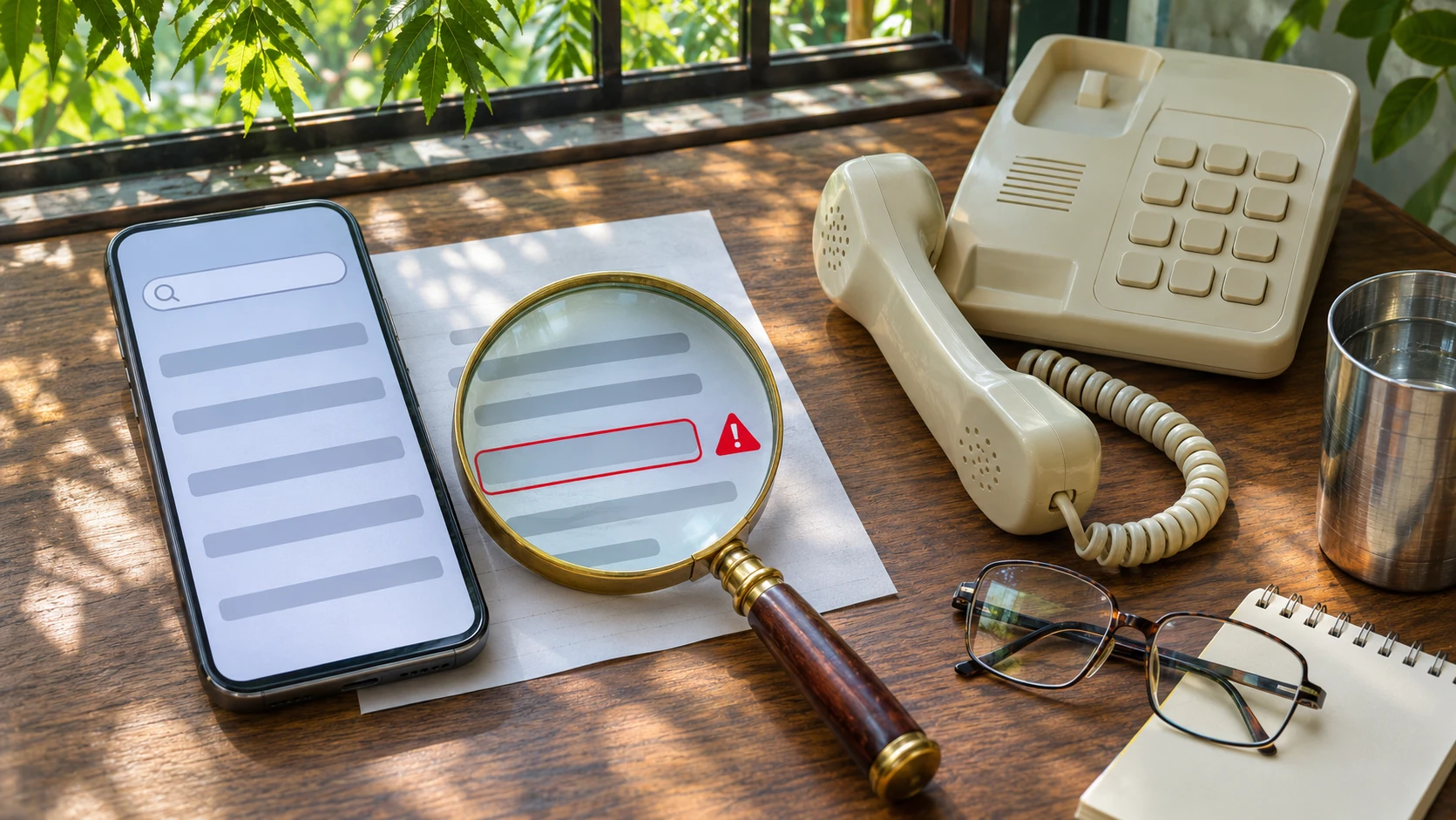
Quick answers
Is the number on Google always safe?
No. The RBI says contact numbers shown on search engines often do not belong to the company, and Google's own safety page says scammers try to add fraudulent numbers to business listings. Take the number from the company's app, website or your card or bill.
How do I find a real customer care number?
Use the company's official app or the website you typed in yourself, or the number printed on your card, passbook, bill or invoice. The Sanchar Saathi portal also lists a Trusted Contact Details module for banks and financial institutions.
Can a fake number show up as a Google ad?
Yes. Delhi Police said in 2023 and 2024 that gangs had paid for ads that put fake customer care numbers and websites in search results. Google bans impersonating a brand in ads, but being at the top of the page is no proof that a number is genuine.
Why do scammers ask me to install an app?
A screen-sharing or remote-access app lets them see and control your phone, including your banking and UPI apps. The RBI says to download such an app only when advised on a company's official toll-free number, and to remove it afterwards.
Do I need to enter my UPI PIN to receive a refund?
No. A PIN is only for sending money. The RBI says receiving money does not need a QR scan or your PIN, and warns about fake collect requests with messages like Enter your UPI PIN.
I called a fake number but did not pay. What now?
Hang up, do not call back, remove any app you installed, check your statements, call your bank on the number printed on your card if you gave card details, and report the number on Chakshu at sancharsaathi.gov.in.
I have lost money to a fake customer care number. What should I do first?
Call 1930 and report on cybercrime.gov.in, then tell your bank on its real number and ask it to block further debits. Police say speed helps, but recovery is not guaranteed.
Is Chakshu the place to report money lost?
No. The Sanchar Saathi portal says Chakshu is for suspected fraud calls, SMS and WhatsApp messages, and that people who lost money should report to 1930 or cybercrime.gov.in.
How do I report a fake business listing on Google Maps?
Google's help page says you can report a business for fake, spam or inappropriate content. Open the listing and use its report option, then also report the number on Chakshu.
Something goes wrong with an order, a refund, a gas booking, a card payment or a flight ticket. You pick up the phone, type the company’s name and the words “customer care number” into Google, and call the first number that comes up. A friendly voice answers, says the refund can be done in two minutes, and asks you to install a small app. This page is about that call. It explains how a fake number reaches the top of a search page, what the caller will ask you to do, a five-step check to run before you dial, and what to do if you have already called. Checked 5 November 2026.
In short
- Do not take a customer care number from a search result. The Reserve Bank of India (RBI) says contact details shown on search engines often do not belong to the company, and that customer care numbers are never in the form of mobile numbers.
- Get the number from somewhere you can trust: the company’s own app or website, or what is printed on your card, passbook, bill or invoice.
- Never install a screen-sharing or “support” app, share an OTP, UPI PIN or CVV, or scan a QR code because a “customer care” caller asked. Receiving money never needs your PIN or a QR scan.
- If money has gone, call 1930 at once and then report on cybercrime.gov.in. If you called but paid nothing, you still have steps to take, listed below.
- The scale is large. Government replies in Parliament, as reported, put financial-fraud losses on the national portal at about Rs 22,845 crore in 2024 and Rs 22,495 crore in 2025. No official figure we could open says how much of this began with a fake helpline number.
How the scam works
- You have a real problem. A failed payment, a delayed parcel, a cancelled ticket, a gas or electricity bill query, a subscription you want to stop. The fraudsters do not need to find you. You come to them.
- You search, and a fake number is on the page. It may be in a paid ad, in a business listing on a map, or on a look-alike website built to copy a bank or a shopping site.
- The caller sounds like the company. He knows the usual vocabulary, may ask for your order number, and often says a refund or a fix is only a few steps away.
- Then comes the ask. An app to install, a file to open (often an APK file sent on WhatsApp), a card number “for verification”, an OTP, a small test payment of Rs 1 or Rs 10, or a QR code to scan.
- The money moves. Once the app is on your phone, the caller can see and control the screen, including your banking and UPI apps, and make payments in your name.
Why a fake number shows up on Google
Three routes are described in official and police statements.
- Paid ads. In April 2023, Delhi Police said a gang had paid Google, Facebook and Instagram to advertise fake customer care websites that looked like those of banks, and built copies of genuine bank and shopping sites with their own phone numbers. Six people were arrested, more than 21,000 SIM cards were recovered, and police said over 2,000 people had been cheated (The Tribune). In March 2024, South Delhi’s cyber cell said a ring had placed fake support numbers in search results and paid for the ads with money stolen from earlier victims (Millennium Post).
- Edited business listings. Google’s own safety page says scammers try to add fraudulent contact numbers to business listings, to trick people into calling them instead of the real customer service team.
- Look-alike websites. The RBI’s fraud booklet describes a fake site copying a bank or shopping site, and tells people to check the web address and the https padlock, and to go straight to the official site.
Google says it scans for and removes sites that impersonate real businesses, bans impersonating another brand in ads, and may ask advertisers to verify who they are. It reported blocking or removing 483.7 million ads in India in 2025 and suspending about 1.7 million advertiser accounts (reported by Business Today and Outlook Business from Google’s 2025 Ads Safety Report). Those figures cover every kind of bad ad, not fake helplines alone, and police still describe fake numbers reaching the top of results. Being at the top of a page does not mean a number is real.
Cases reported in 2025 and 2026
These are news reports of complaints, not court findings. Names are left out, and in each case the report says police registered a case against unknown persons. None of the reports we read mentions the money coming back.
- January 2026, Navi Mumbai. A woman searching Google for a service centre number for her refrigerator lost about Rs 11.05 lakh from three accounts. The caller sent an APK file on WhatsApp and asked for a Rs 10 payment. Her phone screen then went blank, which police said was the app giving remote access (Free Press Journal).
- January 2026, Pimpri-Chinchwad, Pune. A man who searched for his bank’s customer care number lost Rs 1,99,500 after the caller, offering help with a claim, sent an APK file on WhatsApp (Pune Pulse).
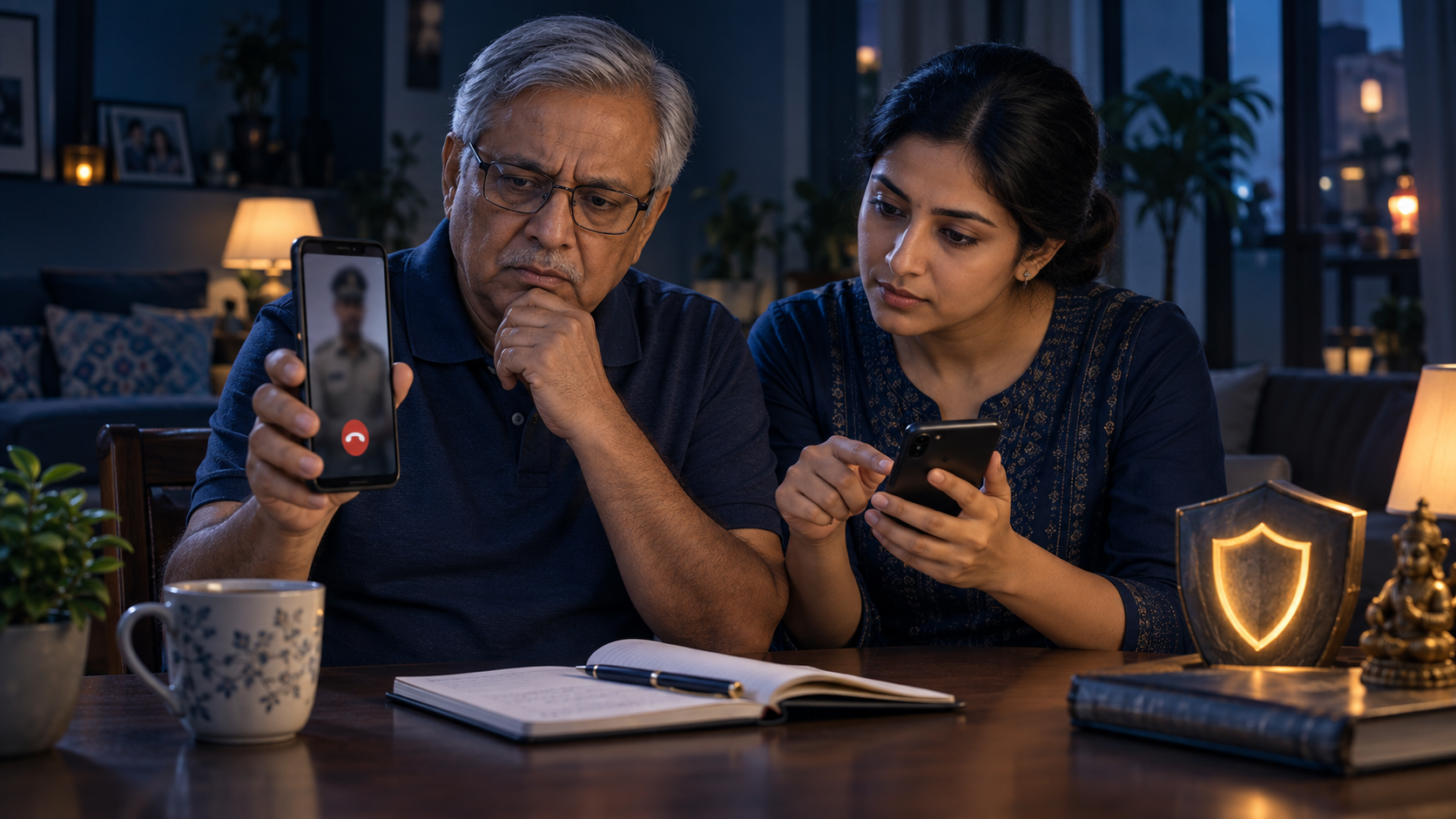
- September 2026, Indore. A 70-year-old woman who searched for an online shopping platform’s customer care number lost Rs 2,96,239 in four card transactions after sharing card details on a WhatsApp video call with the caller’s face hidden (Free Press Journal).
- July 2025, Mumbai. A 77-year-old woman searching online for an airline’s refund helpline lost Rs 7.51 lakh. The caller sent an APK file, started a video call and took her bank details (Free Press Journal).
- July 2025, Hyderabad. A 60-year-old woman who called a number found on Google for a shopping-site refund lost Rs 1,07,621 after remote access to her phone (Siasat Daily).
- August 2025, Pathanamthitta, Kerala. A man calling a fake toll-free number to service a water purifier lost Rs 95,000 in three UPI payments after installing an app from a link (The Tribune, PTI).
The pattern is the same each time: a genuine problem, a search, an app or a file, then a payment the victim never approved.
What the official figures say
The Ministry of Home Affairs gave these figures in replies to Parliament, as reported by newspapers. They cover all financial cyber fraud on the National Cyber Crime Reporting Portal, not only fake helplines.
- Losses reported: about Rs 7,465 crore in 2023, Rs 22,845.73 crore in 2024 and Rs 22,495 crore in 2025.
- Money saved: the Citizen Financial Cyber Fraud Reporting and Management System, which works with the 1930 helpline, has saved Rs 8,189 crore across more than 23.61 lakh complaints between 2021 and 2025, the Rajya Sabha was told on 4 February 2026.
- Cyber fraud cases registered by police rose from 14,007 in 2021 to 19,466 in 2023 (NCRB data quoted in the same reply).
Counts of complaints differ between reports, so we do not print them for 2025. We found no official share for “fake customer care” fraud, so we do not give one.
Five-step check before you call
- Stop typing the company name into a search box. Open the company’s own app, or type its website address yourself, and go to the contact or help page.
- Use the number printed on your card, passbook, bill, invoice or the pack. That is the number the company gave you.
- Look at the number, but do not trust it on looks alone. A ten-digit mobile number is a warning sign for a bank or large company, because the RBI says their customer care numbers are not mobile numbers. Small businesses may use mobile numbers, so a number from a search result must still be matched against the official app, website, card or bill.
- Decide your limits before the call. You will not install an app, open a file, share an OTP, UPI PIN or CVV, scan a QR code or make a “test” payment. If the person asks for any of these, end the call.
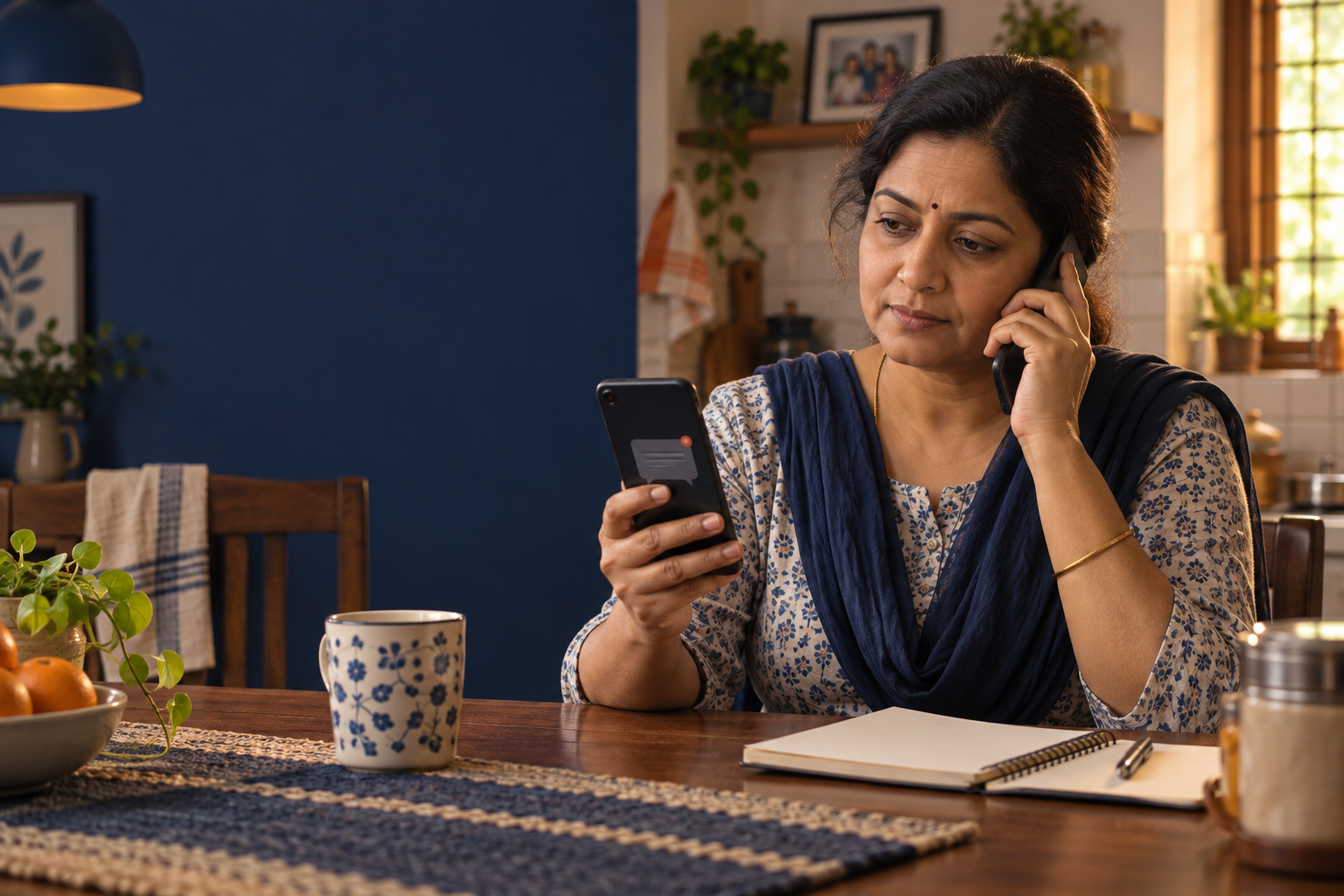
- If someone calls you first, hang up and call back on the number from step 2, not the one that called you.
Where to find the real number
- The company’s official app, under help or contact.
- The website you typed in yourself, in the footer or the contact page. Check the spelling of the address and the https padlock.
- The back of your debit or credit card, your passbook, your bill or the invoice.
- The Sanchar Saathi portal of the Department of Telecommunications, which lists a “Trusted Contact Details” module meant to help people check customer care numbers, toll-free numbers and websites of banks and financial institutions. We read its description on the home page and did not test it for every company.
What each ask really means
- “Install this app so I can see your problem.” It gives the caller your screen. The RBI says to download such an app only when advised on the company’s official toll-free number, never when an executive contacts you from a personal number, and to remove it afterwards. Google’s safety page says never to give remote access based on an unsolicited call or message.
- “Open this file.” An APK sent on WhatsApp is an app installed from outside the app store. Police in the cases above linked these files to remote access.
- “Share the OTP” or “enter your UPI PIN to receive the refund.” A PIN is only for sending money. The RBI warns about fake collect requests with messages like “Enter your UPI PIN” to receive money, and says receiving money does not need a QR scan or your mobile banking PIN.
- “Pay Re 1 or Rs 10 to test.” In the Navi Mumbai and Kerala reports, a small payment came alongside the app. Treat any test payment from a stranger as a trap.
- “Read out your card number, expiry and CVV for verification.” A real company does not need these on a call you started from a search page.
If you already called but did not pay
- Hang up. Do not call back, do not reply to messages from the number.
- Check your phone for any app you did not install on purpose, especially one sent as a file. If you installed anything, switch off mobile data and Wi-Fi, take a screenshot of the app name, and uninstall it. Then change your banking and UPI passwords from another, clean phone if you can.
- Look at your bank and UPI statements and the SMS inbox for any debit. If you gave card details, call the bank on the number printed on the card and ask it to block the card.
- Report the number on Chakshu at sancharsaathi.gov.in. Chakshu is for suspected fraud calls, SMS and WhatsApp messages. The portal says it is not for reporting money already lost.
- Write down the number, time and what was said, and keep screenshots, in case you need them later.
If you paid or shared details: the first hour
- Call 1930 immediately, the national cyber fraud helpline, and report on cybercrime.gov.in. Hyderabad cybercrime police have described a “golden hour”, saying that reporting within one to three hours gives a better chance of saving the money (Telangana Today, 2024). It is a police view and no promise of recovery.
- Tell your bank on its real number, ask it to block further debits, and take an acknowledgement. The RBI says a customer who shared a PIN or OTP bears the loss until the report is made, so the time you take to report matters.
- Do not pay anyone who offers to get the money back.
Our full step-by-step for the first hour, with the evidence list and the RBI’s rules, is in UPI and cyber fraud: how to report on 1930 and cybercrime.gov.in.
How to report the fake number
- Google Maps listing: Google’s help page says you can report a business for fake, spam or inappropriate content. Open the listing and use its report option.
- Chakshu: report the number on sancharsaathi.gov.in so that the Department of Telecommunications can act on it.
- Police: if you lost money, report on 1930 and cybercrime.gov.in, as above.
What not to do
- Do not call the first number a search shows, and do not call a number sent to you by a stranger “to help”.
- Do not stay on the line while the caller guides you through your phone.
- Do not share OTP, UPI PIN, card PIN or CVV with anyone, including someone who says he is from the bank.
- Do not post the fake number’s screenshots with your own account details visible.
Do these today
- Save the real customer care numbers of your bank, card, gas agency, electricity provider and mobile operator in your phone, from the card, bill or official app.
- Tell your parents and grandparents. Several reports above involve people aged 60 to 77.
- Check the apps on your phone and remove any “support” or remote-access app you do not recognise.
- Read our pages on fraud calls and the call-merging scam, festival-season online shopping and payment scams and digital arrest calls, as the same habits protect you from all three.
What we could not confirm
We could not find an official figure for how many frauds start with a fake customer care number, or how much money is lost this way. The national totals above are for all financial cyber fraud. Complaint counts differ between news reports, so we left them out. The case reports are single-outlet reports of complaints, and none says the money was recovered. We could not open NPCI’s own pages (they refused our request), so the UPI guidance comes from RBI texts. We read the RBI’s 2022 fraud booklet and press releases, which are a few years old; check rbi.org.in for later versions. We did not test the Trusted Contact Details module on Sanchar Saathi, and we have not checked every Google reporting screen, which changes from time to time. The golden-hour window is a police statement, not a legal rule. This page is general information, not legal or financial advice. We never ask for your details, and nobody from this site will call or message you about fraud.
What needs attention
- The RBI has warned since 2022 that numbers shown on search engines may be fraudulent and that customer care numbers are never mobile numbers.
- Delhi Police described gangs paying for ads that put fake customer care numbers and websites in search results (2023 and 2024).
- Six reports from 2025 and 2026 describe losses of Rs 95,000 to Rs 11.05 lakh after an app, APK file or card details were handed over.
- Reported national financial-fraud losses were Rs 22,845.73 crore in 2024 and Rs 22,495 crore in 2025.
- No official figure was found for how much of this fraud starts with a fake helpline number.
Controls that reduce risk
- Take the number from the company's app or website, or from your card, passbook, bill or invoice.
- Save real customer care numbers in your phone today.
- Hang up if a caller asks for an app, OTP, PIN, CVV or QR scan.
- Report suspected fake numbers on Chakshu at sancharsaathi.gov.in.
- If money has gone, call 1930 and report on cybercrime.gov.in at once.
Common unsafe practices
- Calling the first number a search shows.
- Installing a screen-sharing or support app, or opening an APK file sent on WhatsApp.
- Sharing an OTP, UPI PIN, card number or CVV with a caller.
- Making a small test payment because a caller asked.
- Scanning a QR code or approving a collect request to receive a refund.
- Calling back a number that called you, instead of the one on your card or bill.








Leave a comment